


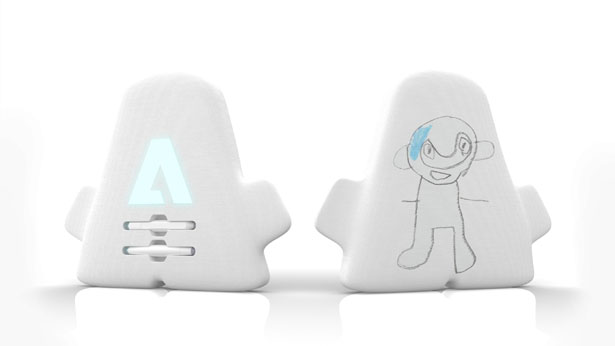
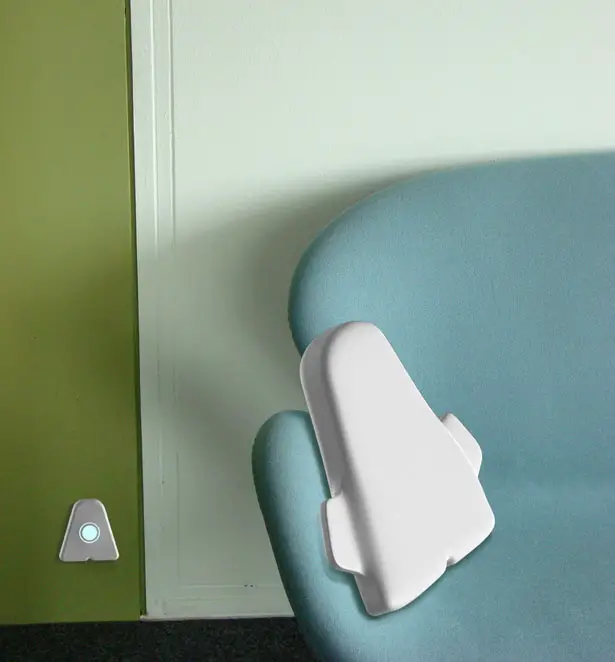
Adoodle is a new creativity enhancing tool for kids aged 3-7 years old. It encourages them to explore their environment and interact with other children by providing an object with which they can express themselves through drawings. Adoodle Creativity Enhancer provides a 3D digital canvas that allows children to express themselves without the typical constraints of a rectangular screen.
Designer : Alejandra Castelao
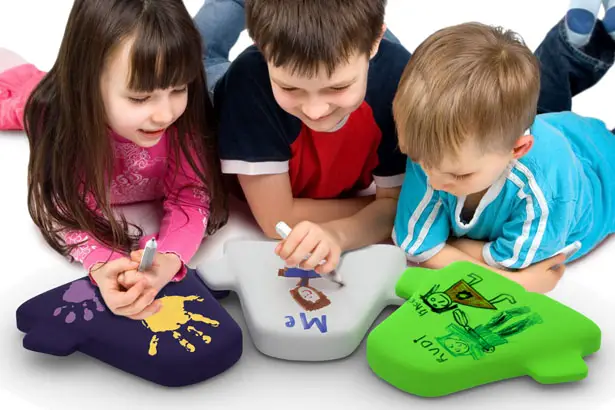
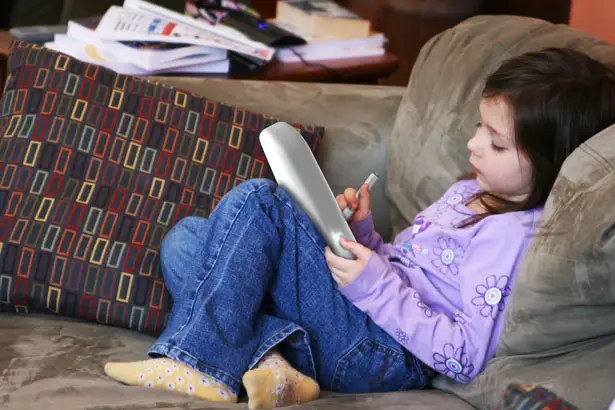
Using new intelligent materials like Graphene and artificial Spider Silk, the entire object is converted into a multi- touch screen. The entire surface is touch-sensitive, making it possible for kids to draw digitally all over the object without any typical rectangular screen constraints. Adoodle Creativity Enhancer also has an integrated Bluetooth transmitter that sends the art work straight to a cloud based memory folder every thirty minutes. Parents can later access the folder on their computers to see their child’s work, download it to their personal computers or keep an online folder of the kid’s progress.
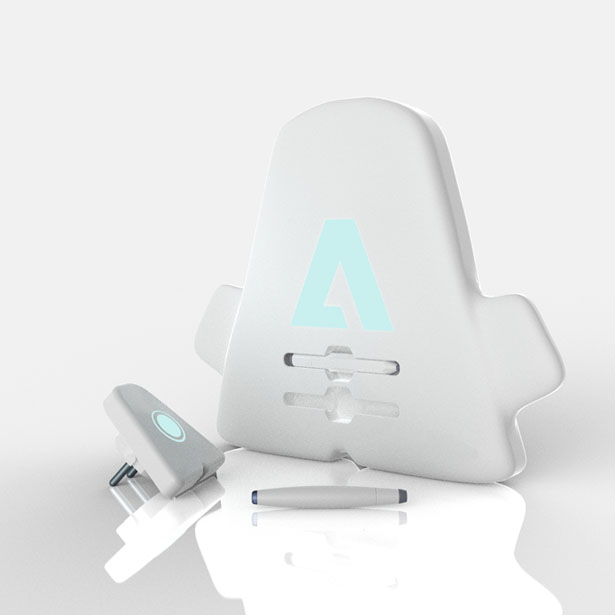
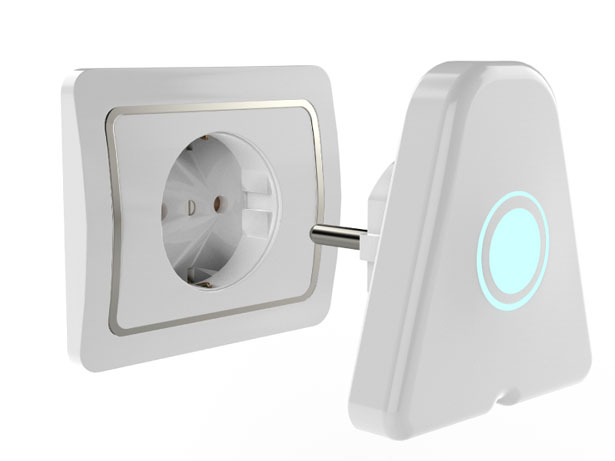
Wireless resonant energy transfer makes it possible to use Adoodle without the need to recharge the battery pack or plug in any cords, giving the child complete freedom to take it wherever he wants within a 20 feet radius.
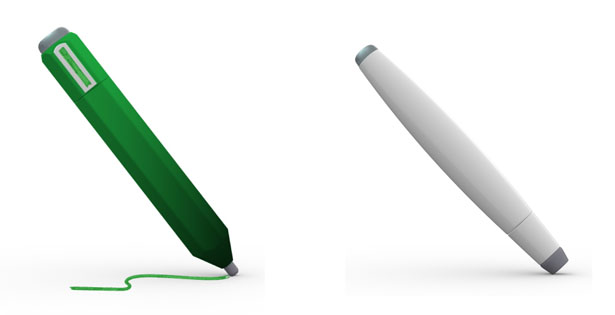
Adoodle Creativity Enhancer comes with two separate digital styli that encourage the child to explore his surroundings. The magic wand encourages the child to explore his environment by acquiring the color of any object it’s directed to, through a mini camera located on the tip. The stylus has an hexagonal shape so the child can experience different tools, it indicates the color and type of brush selected. By rotating the top part of the stylus the child can pick one of the six different brush options (pencil, crayon, marker, chalk, spray or brush). By gliding his/her finger up or down the side, the child can modulate the tone of the color selected.
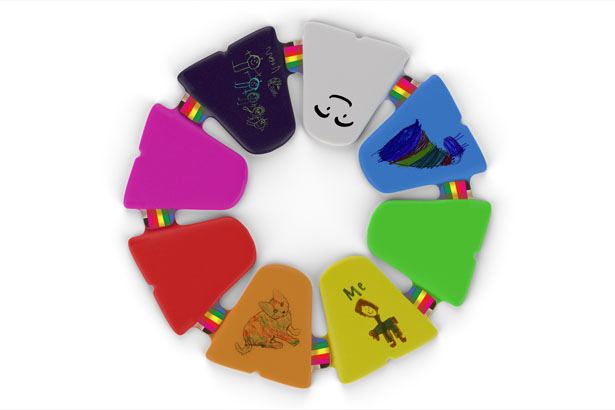
It can also be connected to up to eight Adoodles so children can interact with each other and share their work, making an interactive creative environment where they can share colors and drawings. The functions are simple, intuitive and easy to learn.
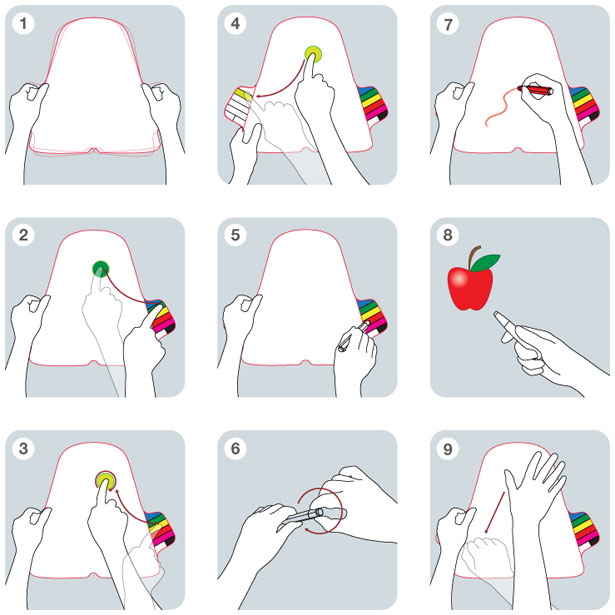
Caption for the instructions panel of Adoodle Creativity Enhancer:
1. Shake to wake up.
2. Select a color and drag to body.
3. Select second color and mix to create a new color. Tap twice to make Adoodle entirely that color.
4. Save new color on left palette.
5. Select a color with Stylus.
6. Select the type of brush by turning the upper piece (marker, pencil, crayon, brush, spray or chalk).
7. Draw with Stylus.
8. Point to any object and click back button to get color and draw.
9. Simple movement to clean up and start over.
Tuvie has received this project from our ‘Submit A Design‘ feature, where we welcome our readers to submit their design/concept for publication.




HELLO MY DEAR
This is very good for childrend and I want buy one of them.How can buy it?
best regards
HELLO MY DEAR
This is very good for children and I want buy one of them.How can buy it?
best regards
@Javad : this is only a concept.